Make the most of your seasonal downtime.
As the year winds down, wineries are busy navigating holiday sales, corporate gifting, and the final push to meet annual revenue goals. Once the holiday rush subsides, however, the quieter winter months offer an ideal time to focus on the systems, data, and processes that support your DTC business. Our year end checklist for DTC wineries will help you make the most of that downtime.
During our recent eCELLAR workshop, Reset & Refresh, we highlighted areas of DTC operations that are often overlooked, shared tips for cleaning up your data, and showcased lesser known functionality that can make your team’s day to day operations more efficient.
Rather than adding more to your plate during an already busy season, here are 12 areas to add to your winter checklist.
1. Revisit Your Customer Types
Accurate customer segmentation is essential to effective marketing and reporting. Review your customer type assignments, paying particular attention to changes in wine club membership, industry identifications, and other customer classifications.
eCELLAR Tip: Use Bulk Modify to efficiently update customer types across multiple records.
2. Clean Up Customer and Order Tags
Tags are a great way to organize your data, but they can quickly accumulate. Review tags associated with past events, promotions, and initiatives that are no longer relevant, and consider establishing consistent naming conventions.
eCELLAR Tip: Deleting a customer tag also removes it from associated customer records. Confirm that the information is no longer needed before deleting.
3. Address Duplicate Customer Records
Duplicate records can impact purchasing history, customer lifetime value, marketing communications, and reporting. Consolidating these records provides a more complete picture of your customers and their relationship with your winery.
eCELLAR Tip: The Customer Dedupe Tool allows you to compare customer records side by side before determining which record should be retained as the master.
4. Organize Your Saved Searches
Review saved searches associated with past events, releases, campaigns, and reporting periods. Removing outdated searches and adopting consistent naming conventions makes it easier for your team to find what they need.
eCELLAR Tip: Sort saved searches by name, type, user, or creation date within Search Tools. Be mindful of searches that support website functionality or integrations before removing them.
5. Prepare for Upcoming Allocations
When was the last time you evaluated your allocation tier assignments? Review customer lifetime value, purchase frequency, and recent activity to ensure assignments reflect current purchasing behavior. Identify customers without a tier and confirm that overlapping club and allocation assignments are intentional.
eCELLAR Tip: The Customer Summary within Allocation Reports can help inform tier assignments for upcoming releases.
6. Review Active Discounts
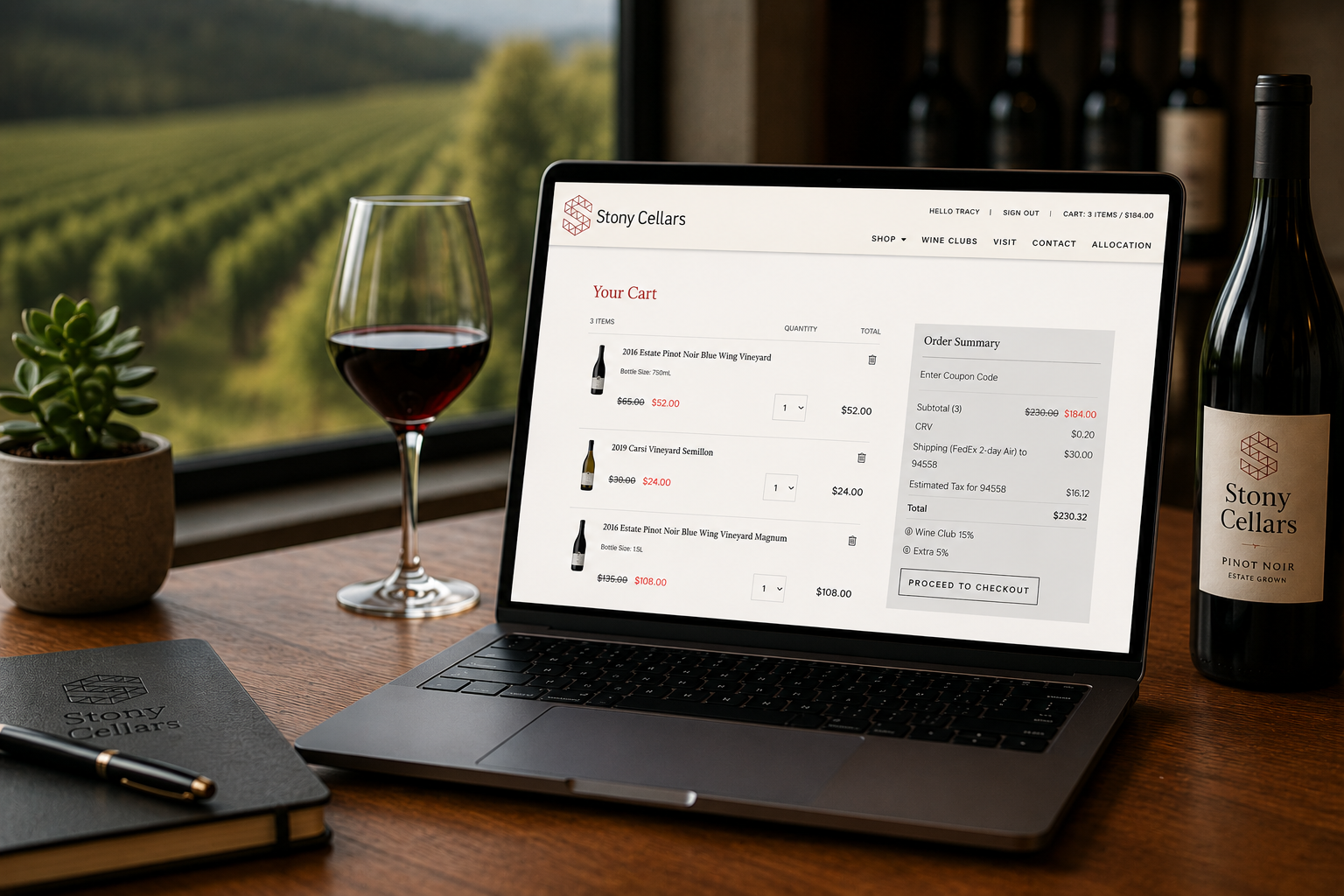
Holiday promotions, special events, and seasonal offers can leave behind discounts that are no longer needed. Disable expired promotions and confirm that ongoing discounts still align with your pricing strategy.
eCELLAR Tip: Both the POS and web evaluate applicable active discounts to determine the best available discount. Keeping this list current supports pricing accuracy and system efficiency.
7. Audit User Permissions
Staffing changes throughout the year make regular permission reviews an important part of system security. Disable access for former employees and confirm that existing users have permissions appropriate to their roles.
eCELLAR Tip: Export enabled users and their permissions through User Manager. Consider implementing IP restrictions for sensitive areas of the system and conducting this review twice a year.
8. Refresh Your Digital Assets
Product photography, tasting notes, and promotional materials accumulate over time. Review your asset library for outdated or unused files to make it easier for your team to locate current materials.
eCELLAR Tip: Sort files by name, type, or modification date within Asset Manager. Always confirm that an asset is no longer in use before removing it.
9. Improve Email Data and Campaign Searches
The effectiveness of your email marketing starts with the quality of your customer data. Address invalid, bounced, and missing email addresses, review recurring campaign searches, and confirm that your marketing audiences reflect appropriate email opt in preferences.
eCELLAR Tip: Use Email Validator to identify improperly formatted addresses and leverage Customer Lifetime Value and Rank to prioritize your cleanup efforts.
10. Review Products and Inventory
As vintages change and wines sell out, product catalogs can become cluttered. Review products that are no longer available, identify discontinued SKUs without inventory, and confirm that current offerings have accurate descriptions, imagery, and pricing.
eCELLAR Tip: Review inventory associations before hiding products or deactivating SKUs. Hide unavailable products rather than deleting them to preserve historical purchasing information.
11. Evaluate Compliance, Tax, and Shipping Settings
Regulations, carrier rates, and fulfillment costs change over time. Review applicable taxes, fees, licenses, shipping zones, and rate tables. When was the last time you compared what you’re charging customers for shipping against what it actually costs your winery?
eCELLAR Tip: For wineries using Sovos ShipCompliant, review your licenses and outstanding rule acknowledgments. Remember to evaluate wine club shipping rates separately.
12. Resolve Outstanding Pickup Orders
Outstanding pickup orders are easy to overlook following fall club releases and holiday purchases. Identify paid orders awaiting pickup and reach out to customers to coordinate collection or shipping. It’s also another opportunity to connect with your customers.
eCELLAR Tip: Pickup to Ship allows you to convert eligible pickup orders to shipping orders without having to recreate them in the POS.
Make the Most of Your Seasonal Downtime
The quieter months at the start of the year offer a chance to tackle projects that often take a back seat during busier seasons. Divide responsibilities among your team, prioritize the areas most relevant to your business, and consider incorporating some of these tasks into your regular operational routines.
Ready to Reset & Refresh?
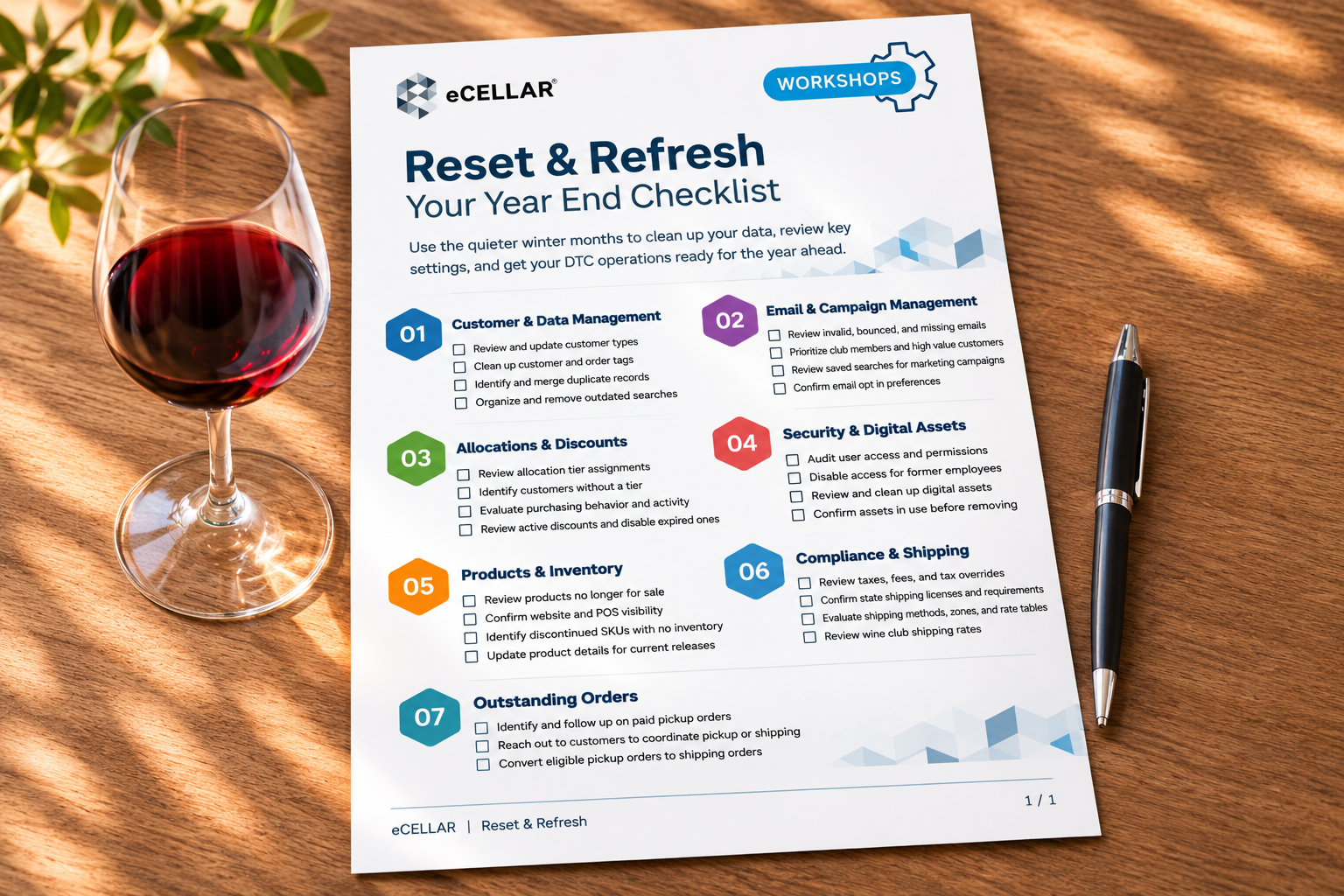
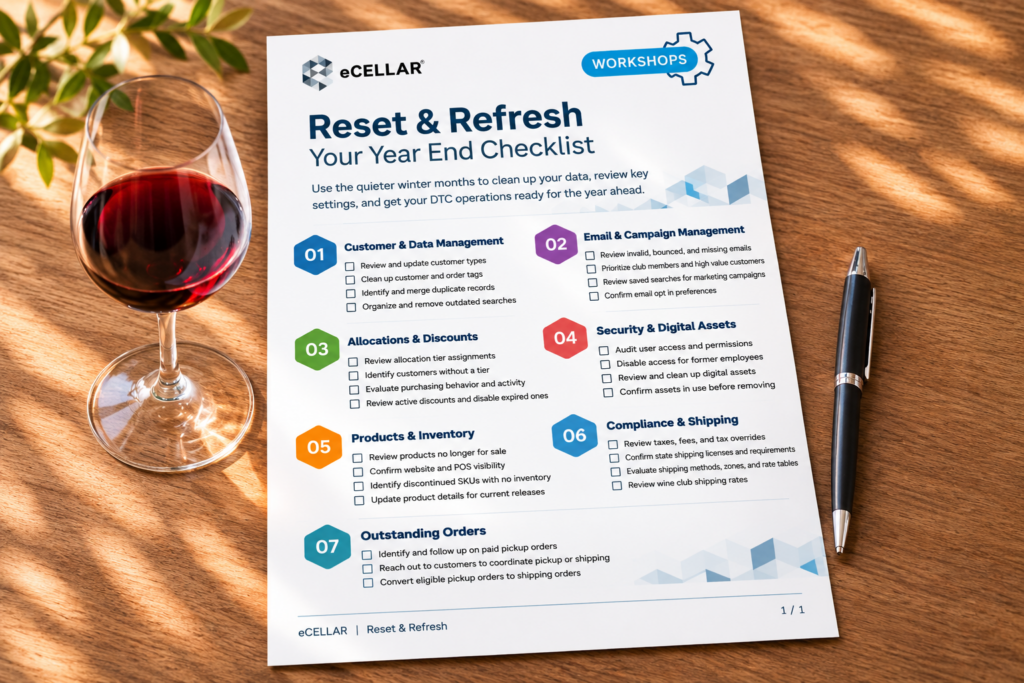
Our complimentary, printable checklist brings these recommendations together in one convenient resource. Share it with your team, assign responsibilities, and track your progress throughout the winter months.
Download Your Year End Checklist